Examples
The file, and the pages docboss drew from it.
Every page on this page was rendered by the docboss CLI at scale 2 from a file committed to the docboss repository, with no manual step; some are cropped to the part with content. Next to each is what docboss extracts from the same file. The second half shows before and after renders of layout bugs fixed in docboss.
Word 95
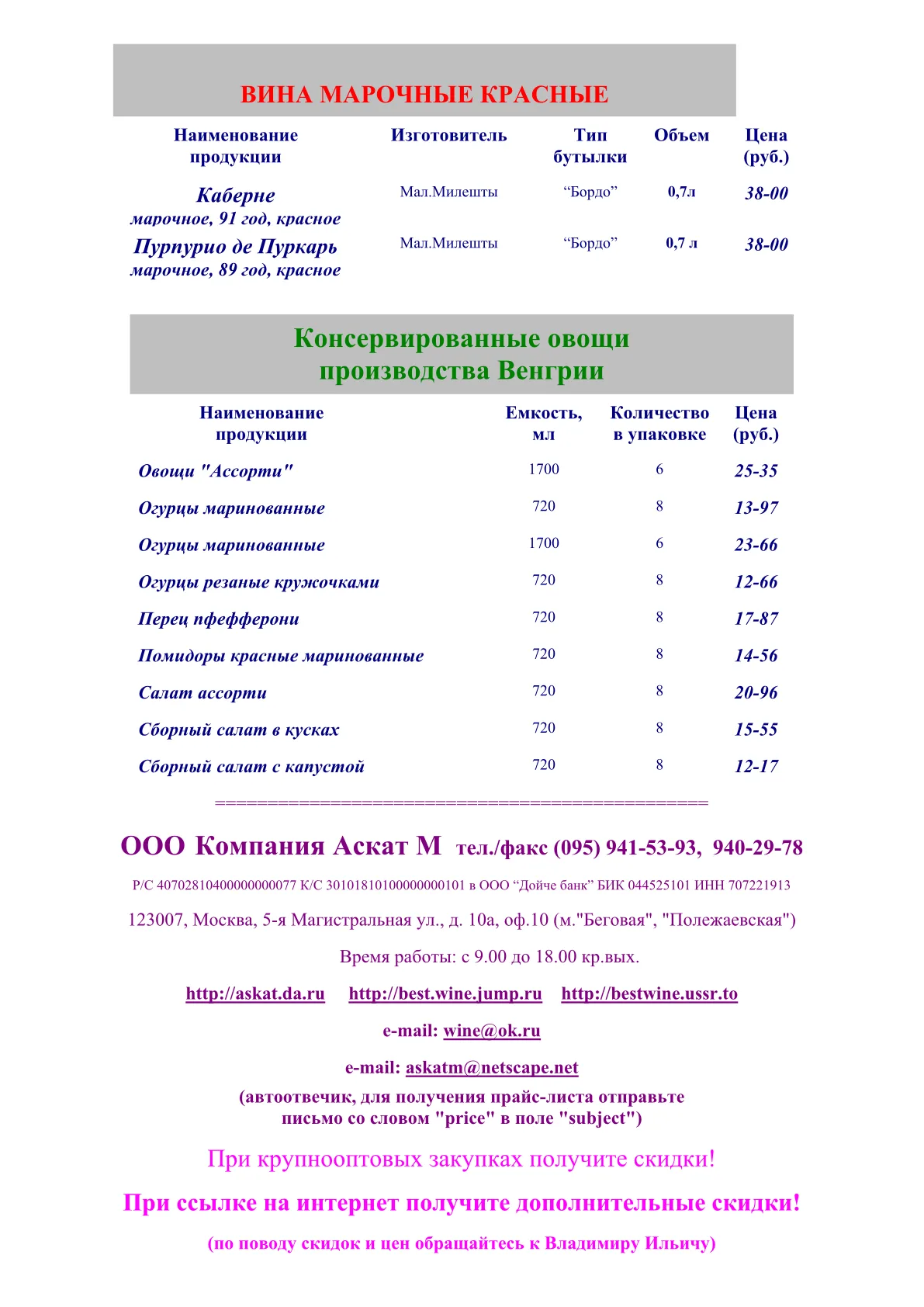
A two-page price list from 1999.
word95-tables.doc is Apache POI’s Bug49933.doc (Apache License 2.0), saved by Microsoft Word for Windows 95. docboss reads Word 6 and 95 files with their formatting, sections, headers, footers and tables, and guesses the Cyrillic code page from the bytes, which it reports as an approximation.
$ docboss info word95-tables.doc
format:          DOC (Word 97-2003 binary)
title:           Вина Молдовы для Вас!!!
subject:         прайс-лист
author:          Aндрей
last author:     A
revision:        1
created:         1999-09-30T01:48:00Z
modified:        1999-10-28T15:28:00Z
application:     Microsoft Word for Windows 95
company:         Aскат М
pages:           2
sections:        1
page size:       595.3 x 841.9 pt
paragraphs:      232
tables:          4
styles:          30
headers/footers: 0
footnotes:       0
endnotes:        0
comments:        0
images:          0
fonts:           5
diagnostics:     0 dropped, 1 approximated
$ docboss diagnostics word95-tables.doc
approximated WordDocument: text decoded as code page 1251, guessed from its bytes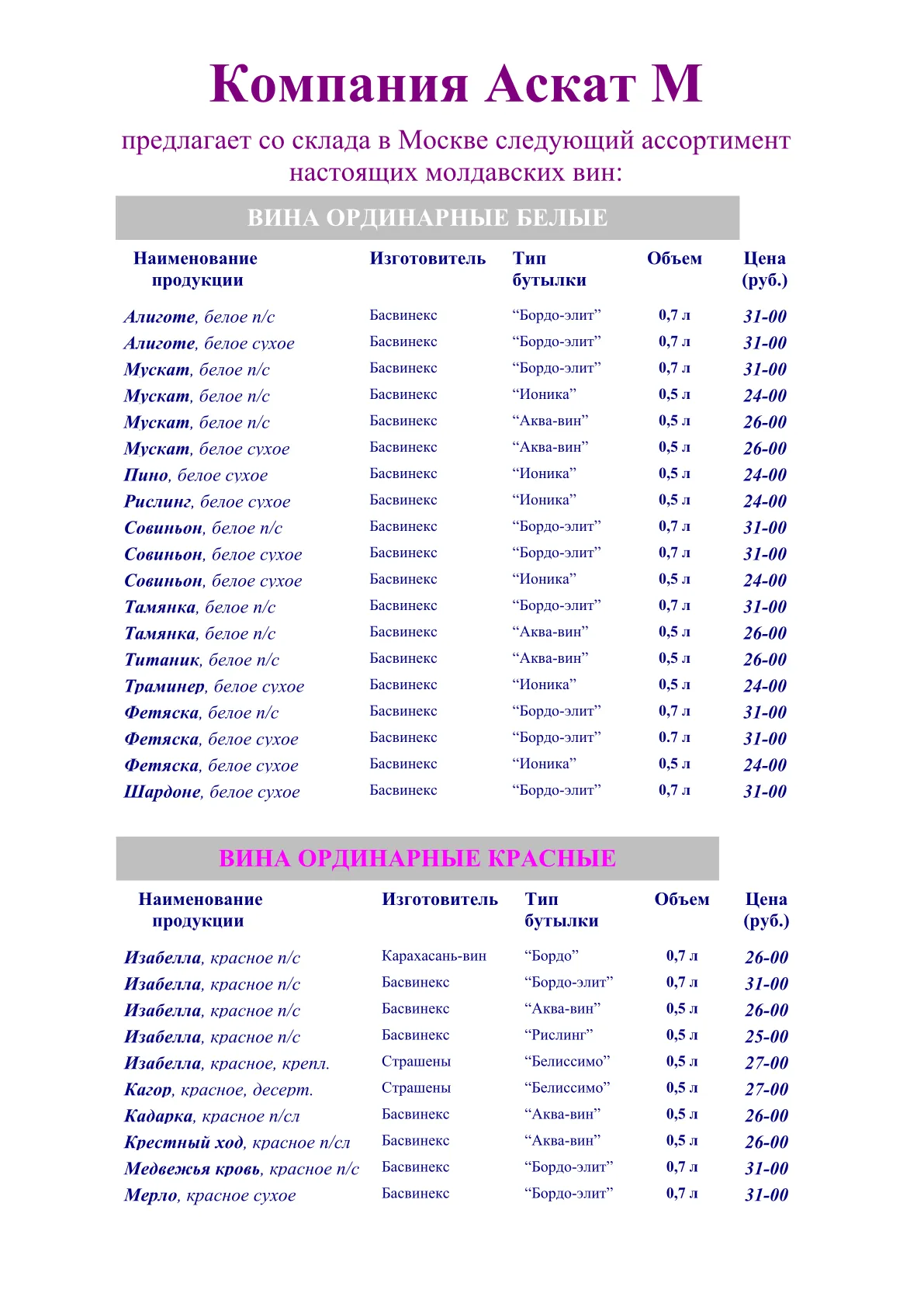
DOCX written by LibreOffice
Header, footnote, endnote, comment, list and table.
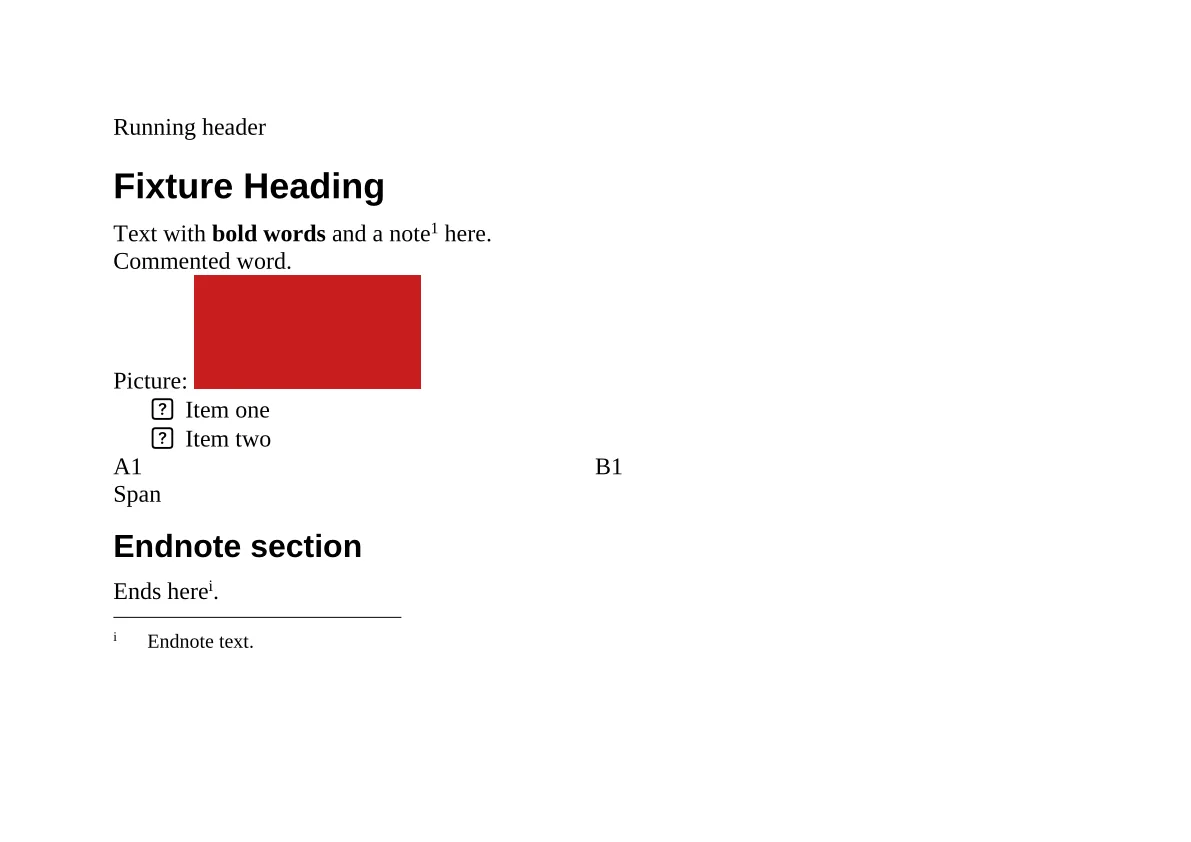
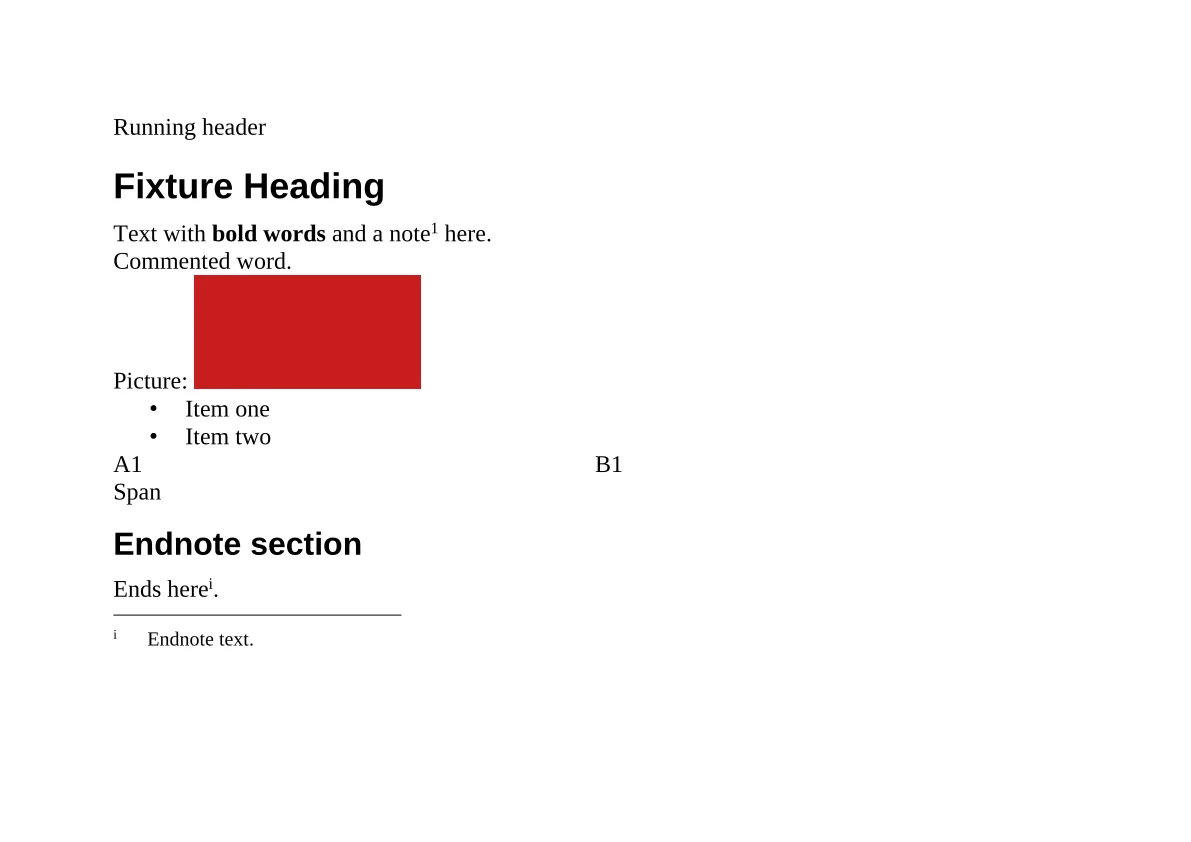
libreoffice-rich.docx is a fixture converted from a .fodt source with soffice --headless --convert-to docx. The render shows the top of page 1: the running header, the bold run, the footnote mark, the picture, the bullets in StarOffice’s starbats font and the endnote.
$ docboss text libreoffice-rich.docx --headers-footers --comments
Running header
Fixture Heading
Text with bold words and a note[1] here.
Commented[c1] word.
Picture:
• Item one
• Item two
A1	B1
Span
Endnote section
Ends here[i].
Page 1

[1] Footnote text.
[i] Endnote text.

[c1] Reviewer: A comment body.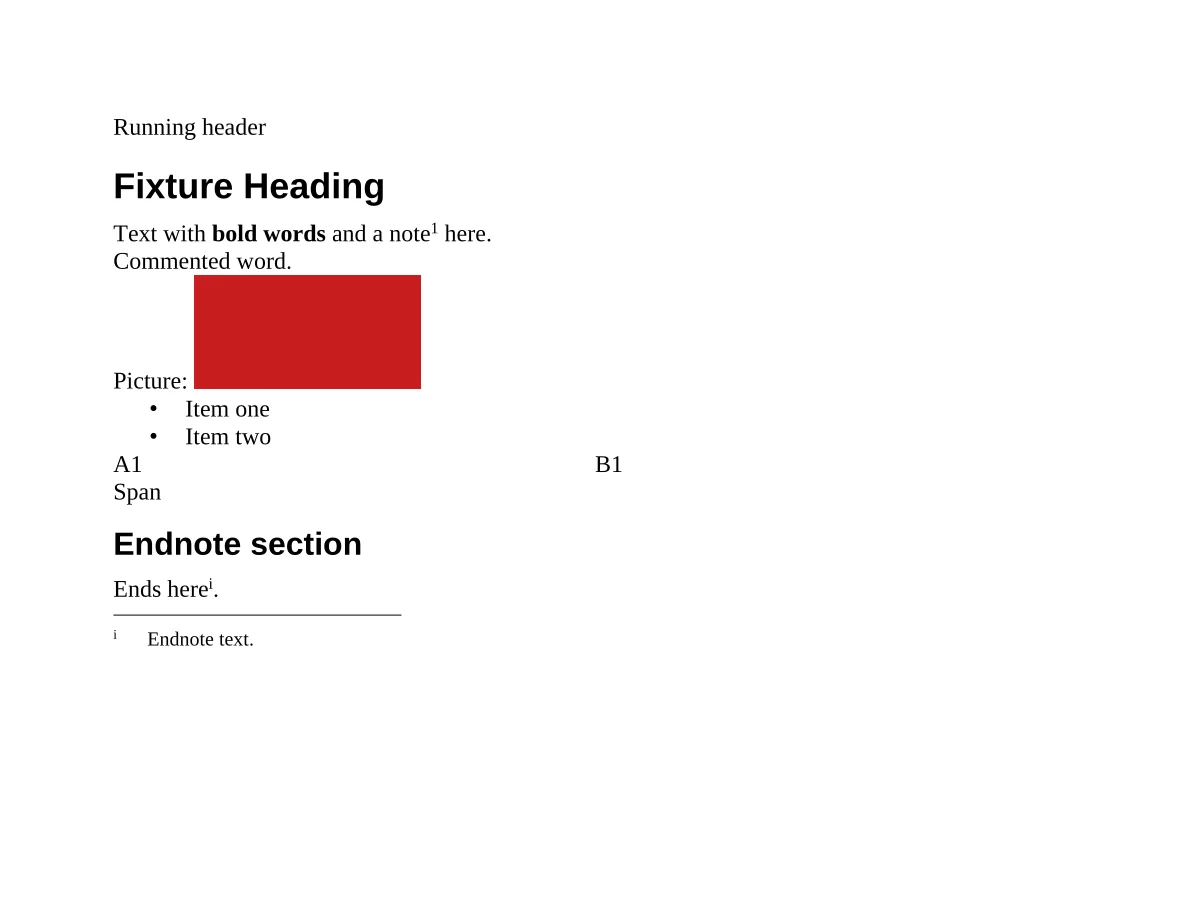
Floating objects
Text wrapped around pictures, a frame and a table.
wrap.docx is written by a script in the docboss repository: pictures wrapped square and tight, a text frame, a floating table and a VML shape wrapped top and bottom. Body text wraps around each of them, and diagnostics --layout reports nothing approximated.
$ docboss text wrap.docx
Text flows around the floating objects of this document. Text flows ...
Text flows around the floating objects of this document. Text flows ...
A text frame at the right margin.
Text flows around the floating objects of this document. Text flows ...
a0	b0
a1	b1
a2	b2
Text flows around the floating objects of this document. Text flows ...
$ docboss diagnostics wrap.docx --layout
$ echo $?
0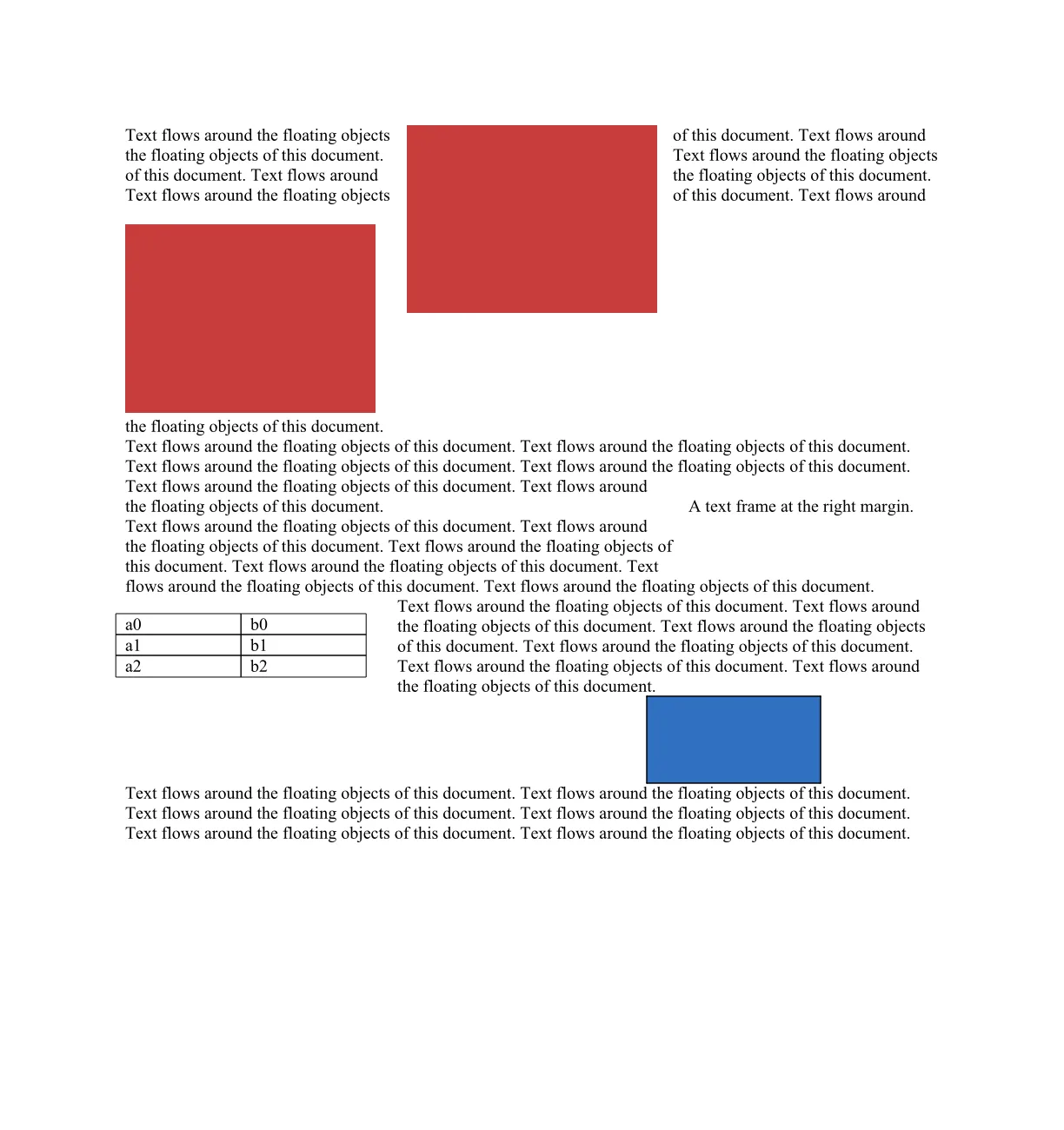
DOCX written by macOS
Lists, a link and a table from TextEdit.
textutil-lists.docx was written by macOS’s textutil from an HTML file. Its headings are bold paragraphs with no heading style and its list labels are literal text, so the Markdown keeps them as bold paragraphs and text labels: docboss writes what the file states.
$ docboss md textutil-lists.docx
**Main Heading**

A paragraph with **bold**, *italic* and a link. Ümlauts & ünïcödé — “quotes”.

**Lists**

• First bullet

• Second bullet

◦ Nested bullet

1 One

2 Two

3 Three

**Table**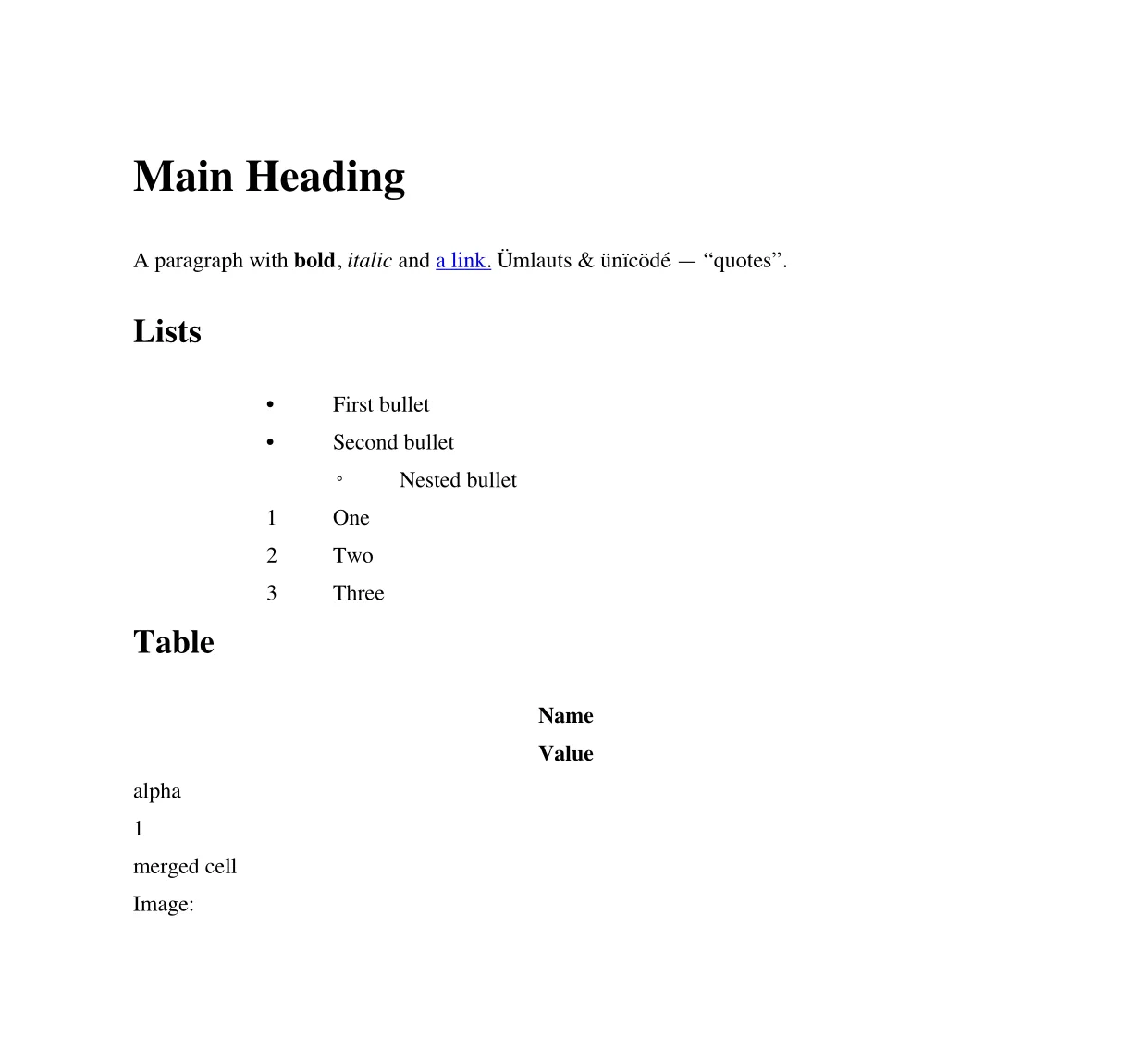
Failure modes
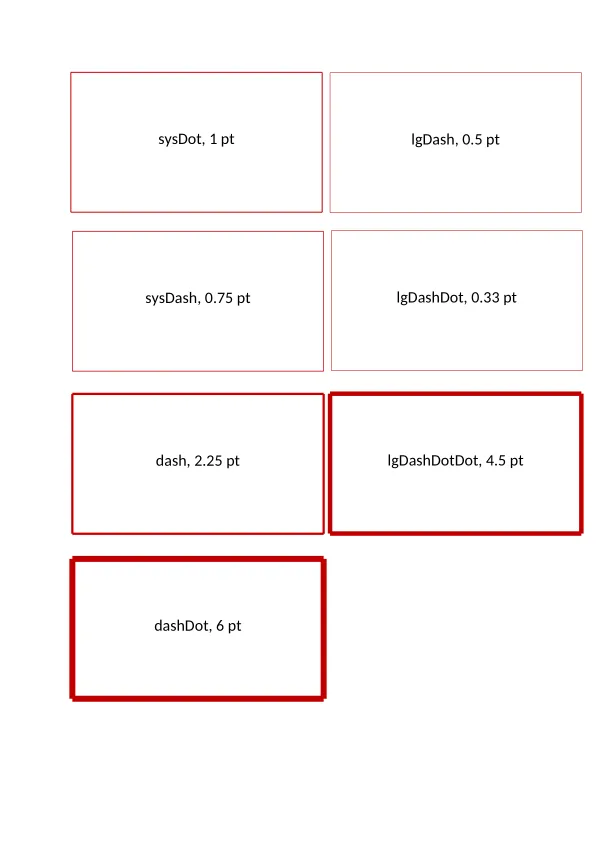
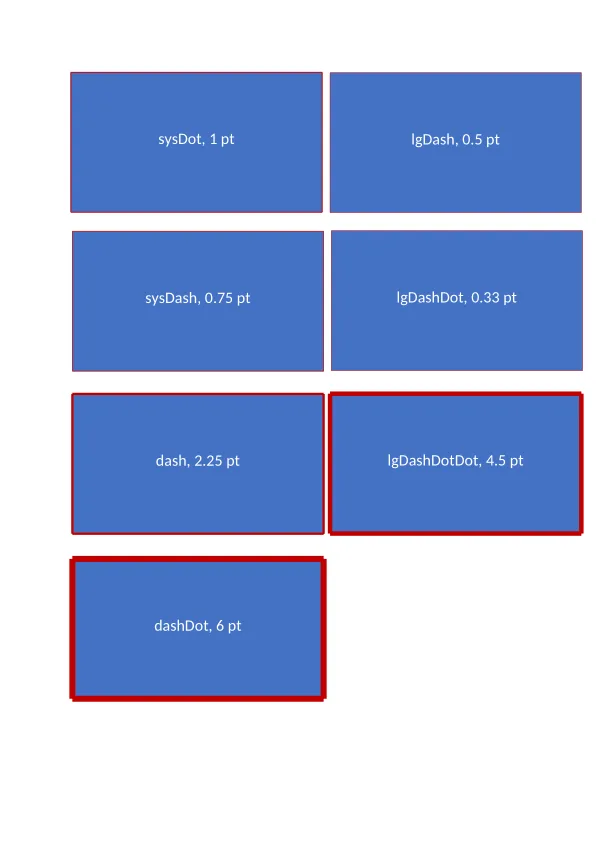
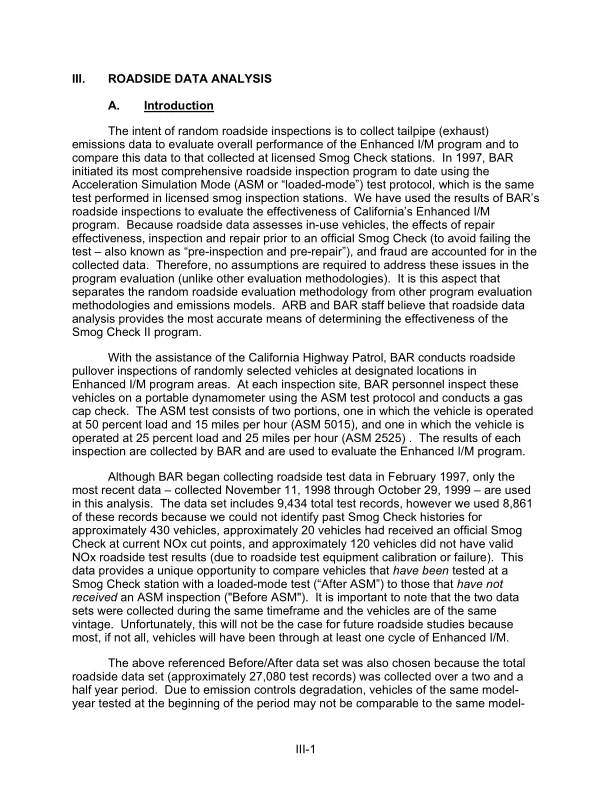
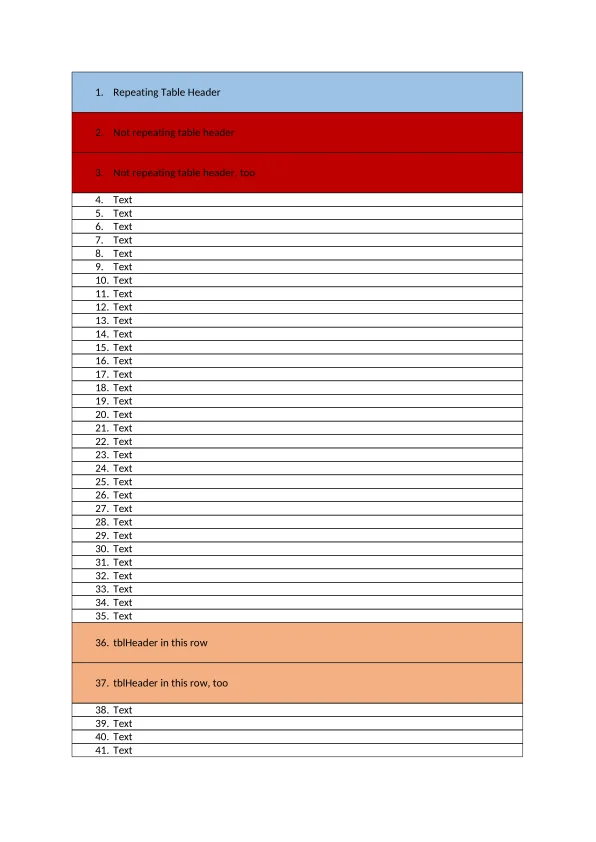
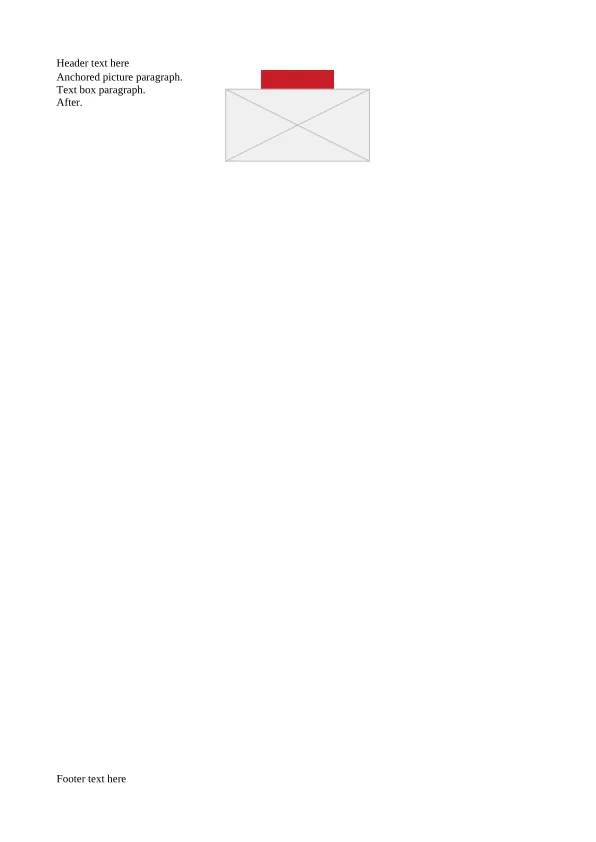
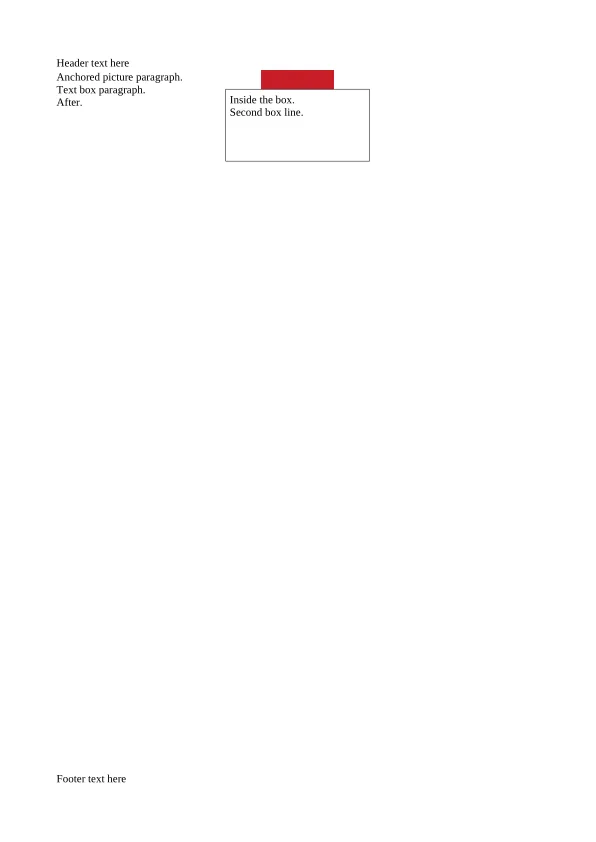
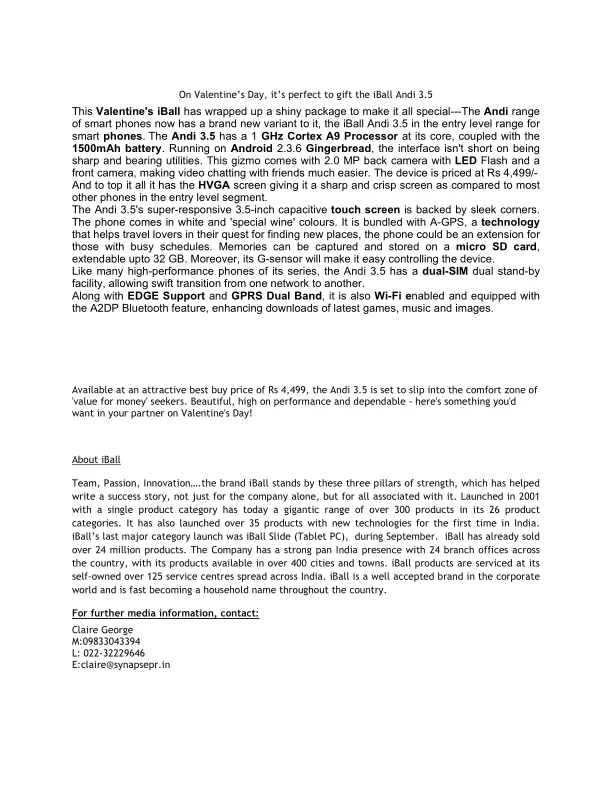
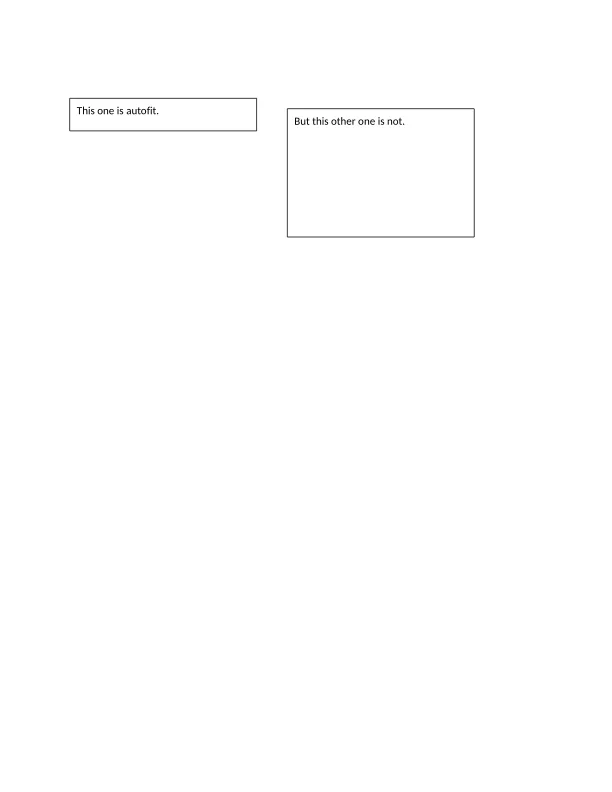
Fifteen layout bugs, before and after the fix.
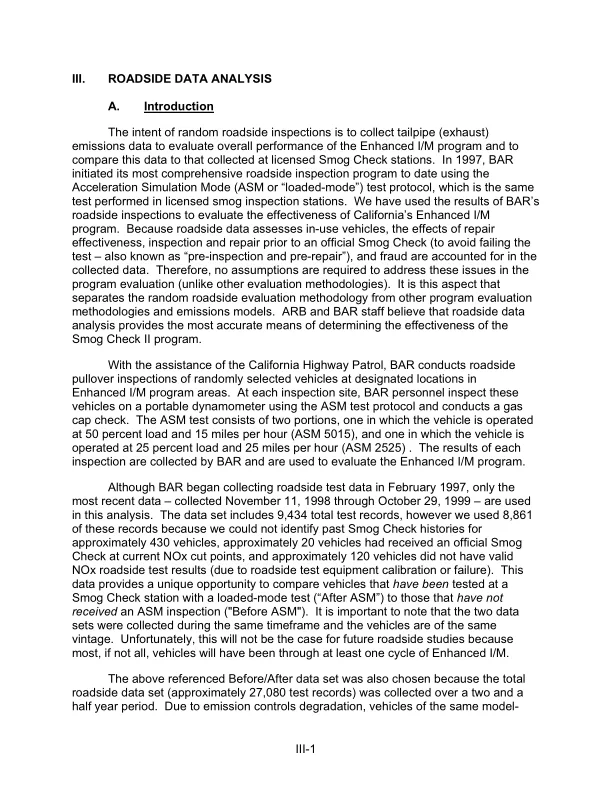
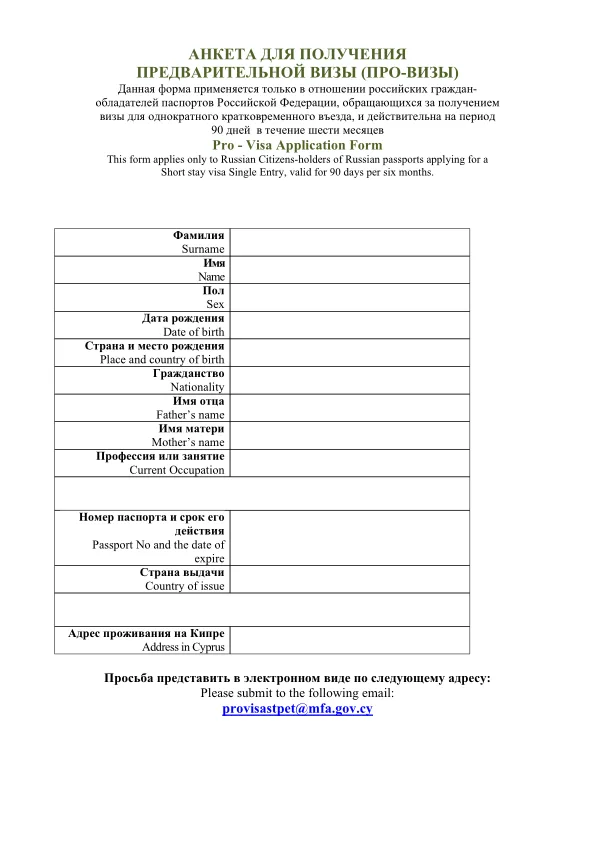
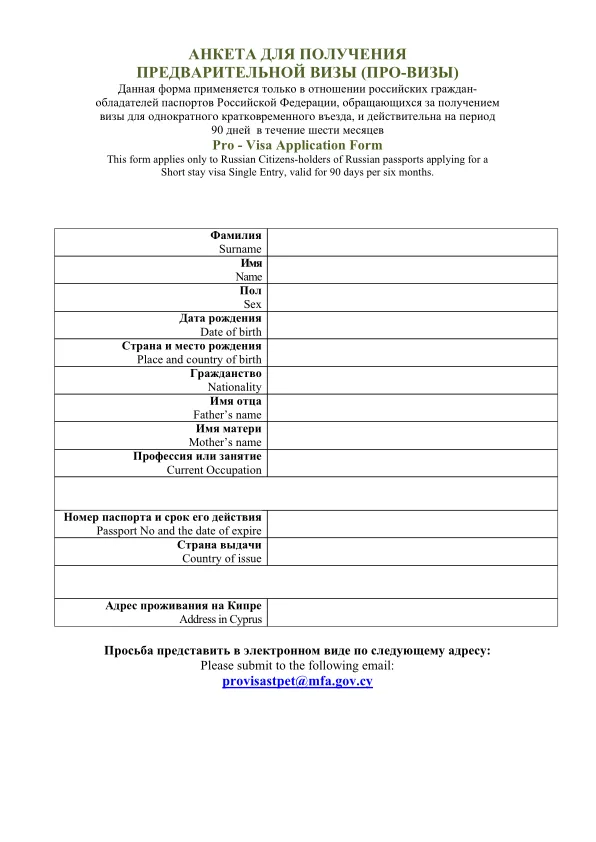
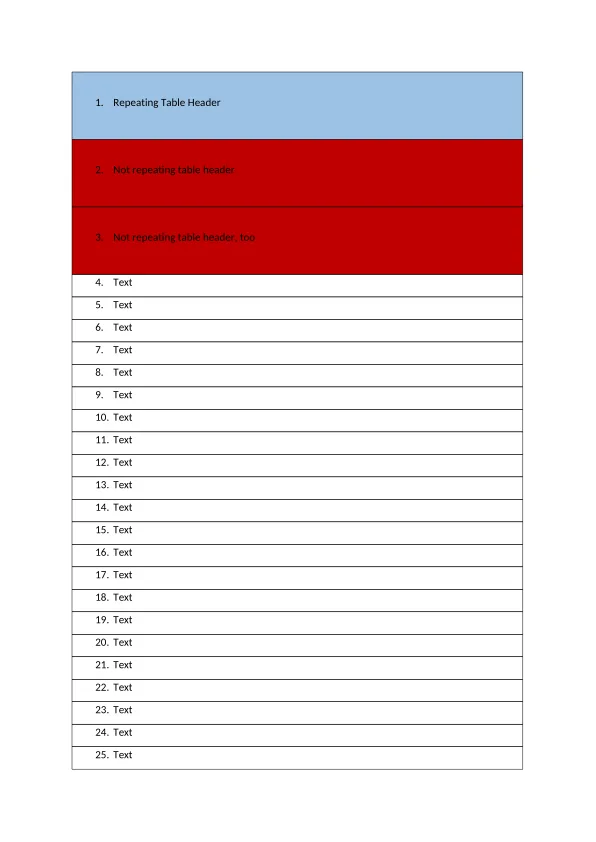
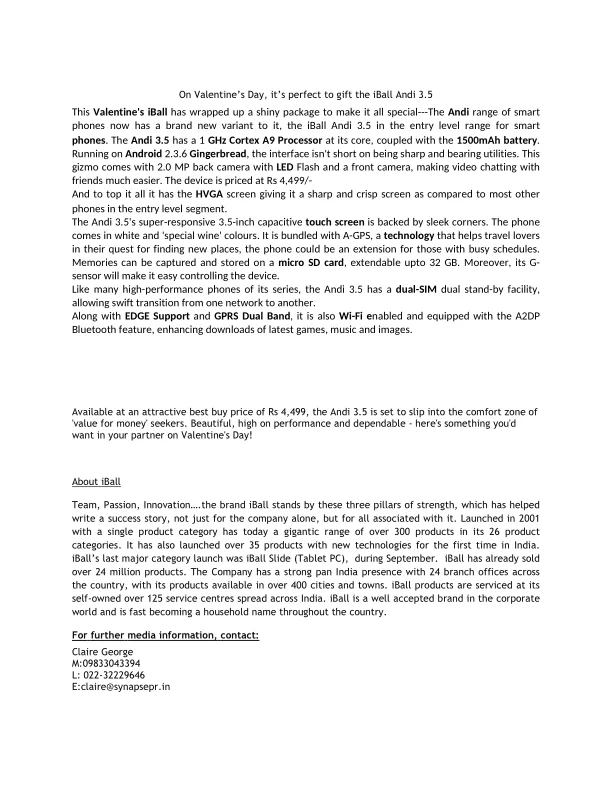
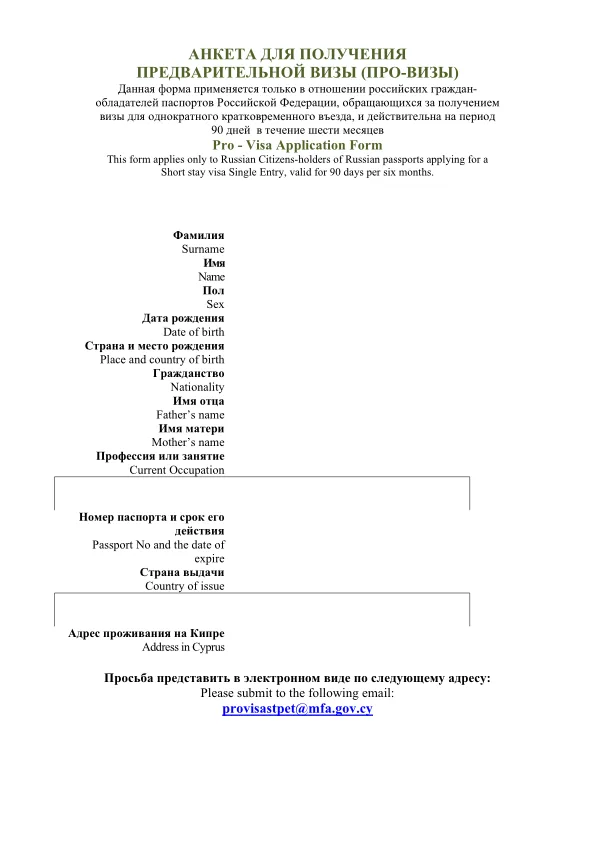
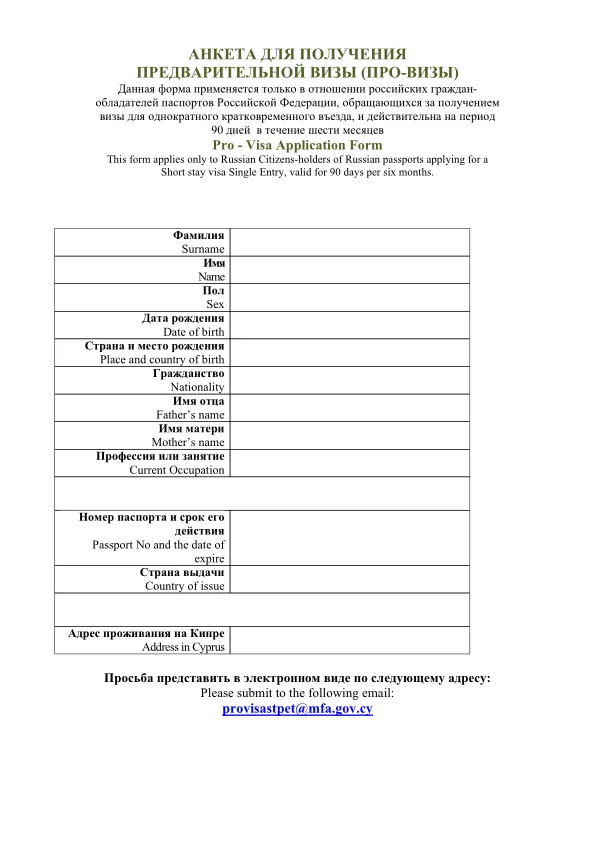
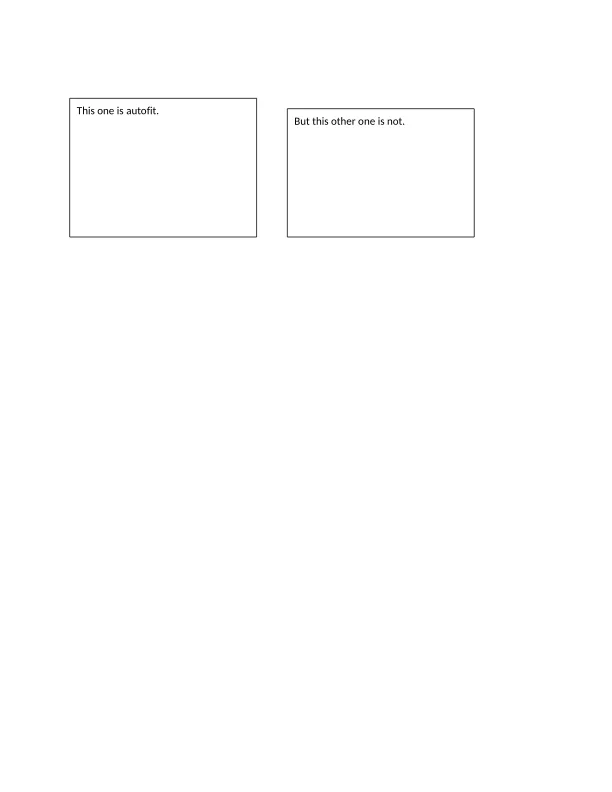
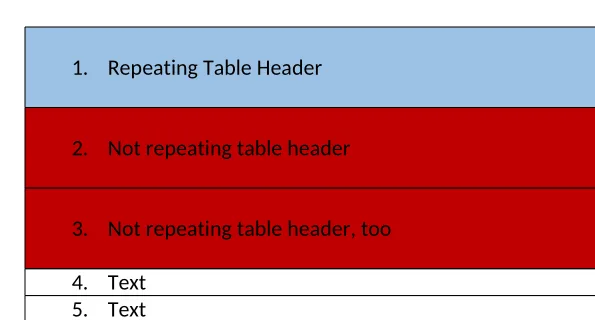
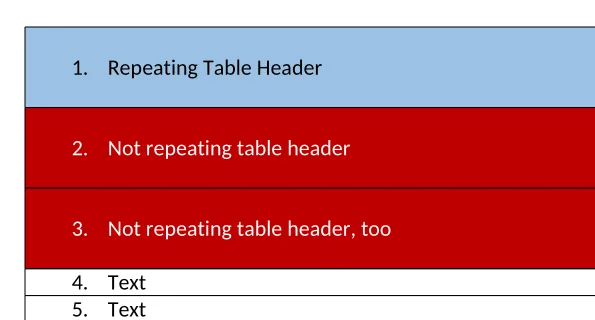
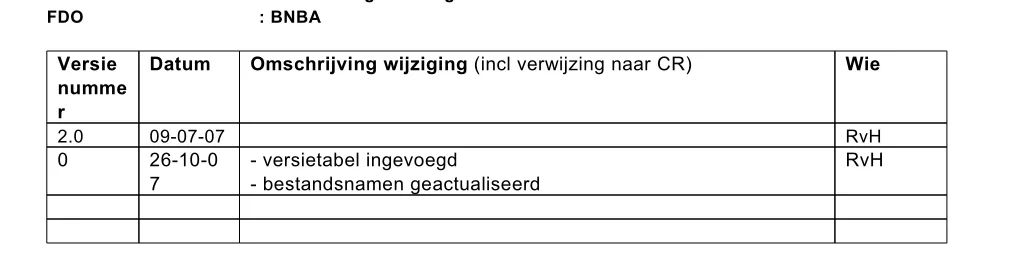
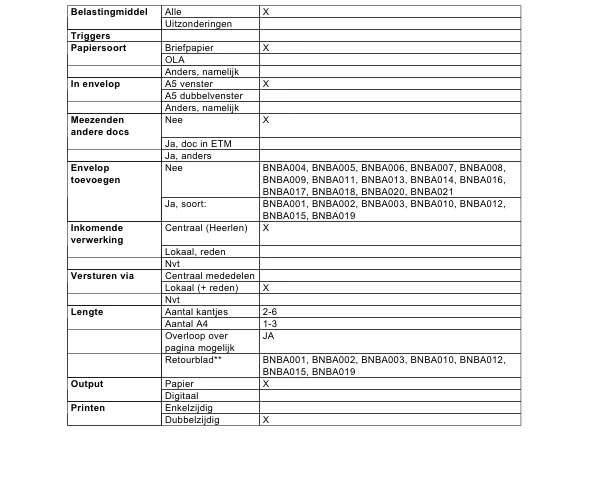
Each pair is docboss render at the parent of the commit that fixed the bug and at the commit, mostly on files from the LibreOffice and Apache POI test corpora. SSIM is scored against LibreOffice’s rendering of the same file. The descriptions are condensed from failure-modes/README.md.




The fixtures live in the docboss crates. Install with pip install docboss or cargo install docboss-cli.